5 Simple Tips for better Video Conferencing
Is the lighting right?
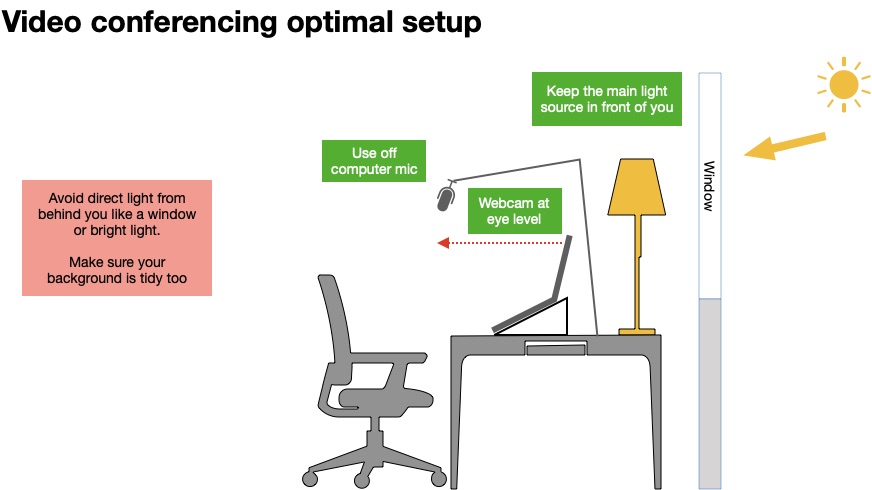
One of the most important things to get right is the lighting. Here’s where a big impression can be made. Make sure your room is well lit, but avoid any bright lighting directly behind you, like sitting with your back to a window or a ceiling light directly behind you. The camera will try to expose for the bright light and make you into a silhouette.
Best practice is to do the opposite and face the window, having a lamp or window directly in front of you or to slightly to the side is the best, this will improve the visuals dramatically. Try to diffuse the light source with a shade or blind over a window to give a much softer and pleasing light.
What’s the Background like?
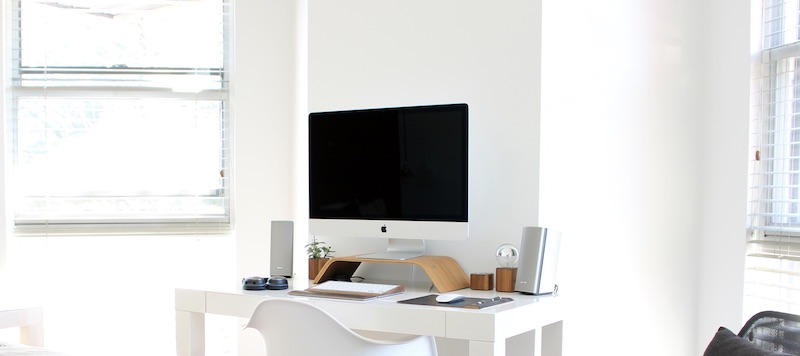
We really want our audience or persons we are speaking to, to focusing on us, not on the background. So bookcases, and clutter on shelves may cause distraction. So keep the background plain and simple and as clutter-free as possible, like a plain wall or a background with just a single piece of art. Perhaps a textured wall, like brick effect etc, something interesting but non-distracting.
Also try keep the room slightly darker than the lighting on you.
Looking Good
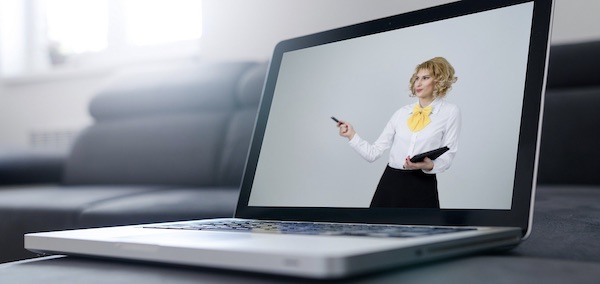
Camera Position & Perspective makes a big impression.The ideal is to have camera or webcam at eye level for a pleasing look. Eye to eye contact is the best connection, so look into the camera directly.
If using a laptop get a stand to raise the computer up higher. Use some books or a plastic box until you see the webcam is at your eye level, this will help reduce neck strain too.
Avoid having the webcam looking up at you from the desk or getting too close to the camera, Web cams usually always have wide-angle lenses, so when you get close it appears to distort the image. Sit back from the camera about 400mm or so, this to give a more pleasing view.
Sounding Good
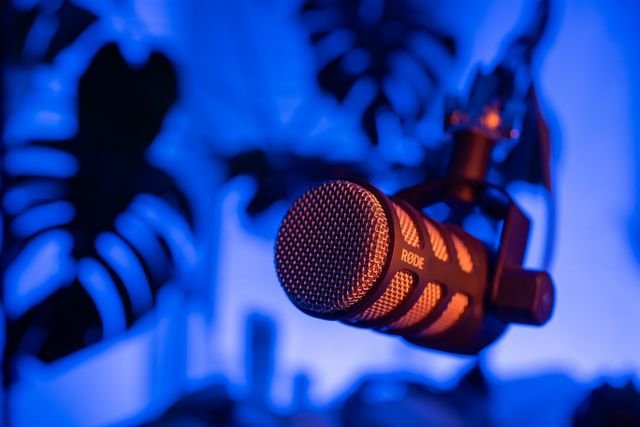
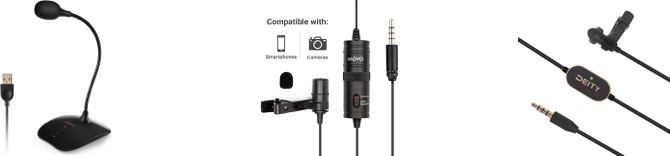
Your eyes are more forgiving than your ears. This is often an area to improve as bad sound is a big distraction. Don’t be so far away that the microphone that you can’t be heard properly or shout loudly either, talk at a normal conversation level. You really want to get the microphone as close to you as possible, Ideally use an external microphone, clip on mic or a mic on a stand.
Also remember to arrange any sound distractions into another room during your meeting. Phones, animals, etc. Remember to mute the microphone when only listening.
For improved audio, recommend using an accessory mic, which will make you sound better. You can pick up a microphone that plugs into the USB port of your laptop from about £15 and up. A small lapel mic, like the Deity V.Lav or Movo LV1, that connects directly into the microphone jack of your laptop are recommended options too.
Be prepared
Finally if you’re new to video meetings, then practice first. Set up your lighting and audio, and once you’re happy with it, call a friend and find out how things look from the other end. Also remember your dress code, always look professional for your video calls.